A design tool that refuses to break your system.
Patina Studio is a desktop design surface — vector, auto-layout, components, prototyping, live data — where the design system is enforced by the engine instead of by review. The assistant works through the same commands your cursor does, and a verifier refuses anything that would break the rules.
- Free while in beta
- macOS · Windows · Linux
- Works offline · your files stay on your machine
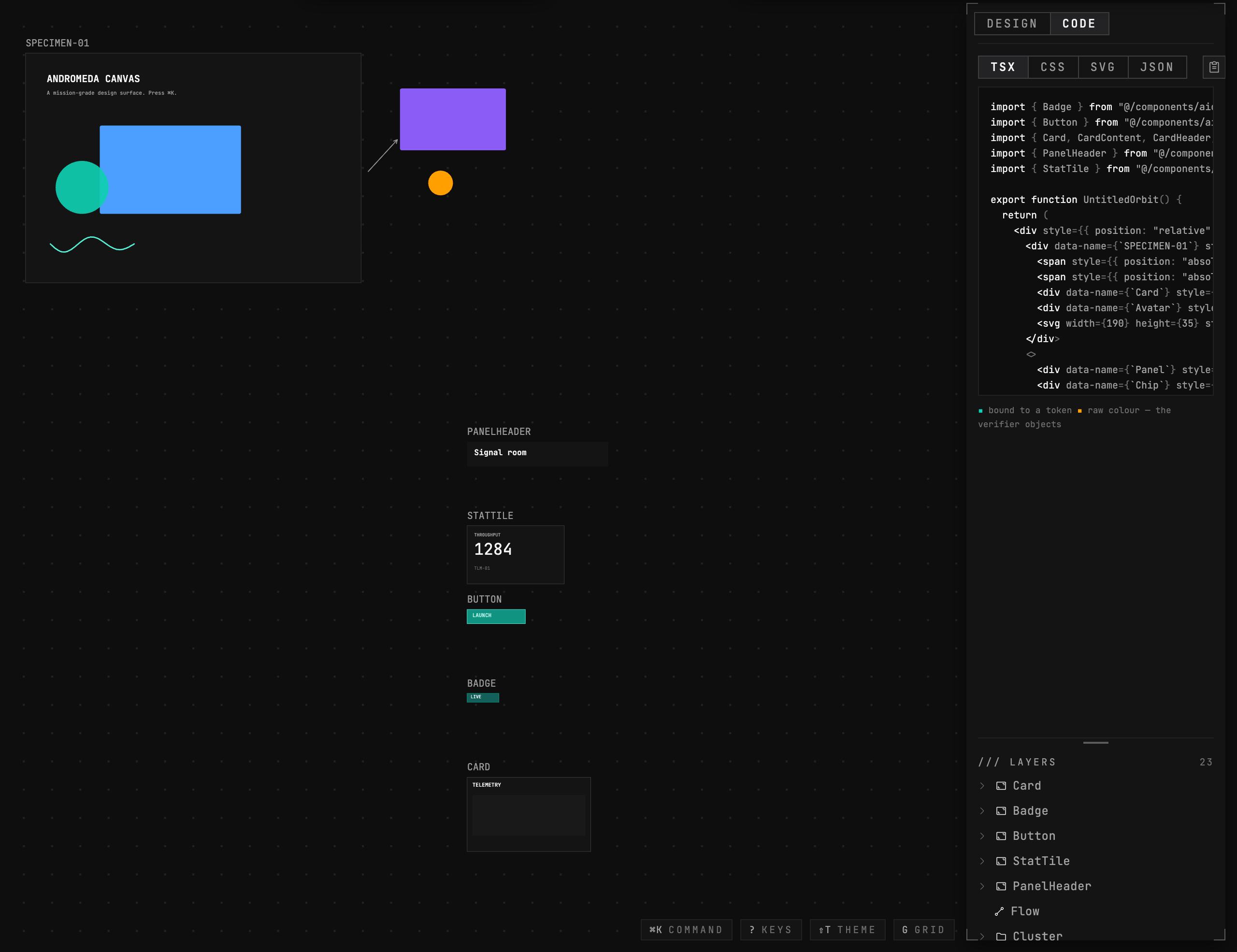
Matter remembers.
Patina is a house of tools built on one conviction: the rules that govern work should be enforced by the software, not carried in someone's head. Studio is the first of them.
The system is the physics
The design system is not documentation you are trusted to follow. It is the engine. A verifier reads the document itself and holds every shape to the same spacing scale, token discipline and contrast rules the tool's own interface obeys — and it refuses changes that would break them.
Nothing is overwritten
Every assistant turn becomes a revision that owns its document. Hover one to preview it without touching your work, click to adopt it, ask again from an older one to branch instead of overwrite. Declining a proposal keeps it too — it stays addressable.
Unknowns stay explicit
When the tool cannot verify something, it says so rather than guessing. A build that has not been proven on a platform does not claim that platform. A measurement that was estimated is labelled as estimated. You are told what is not known.
A design surface that holds itself to its own rules
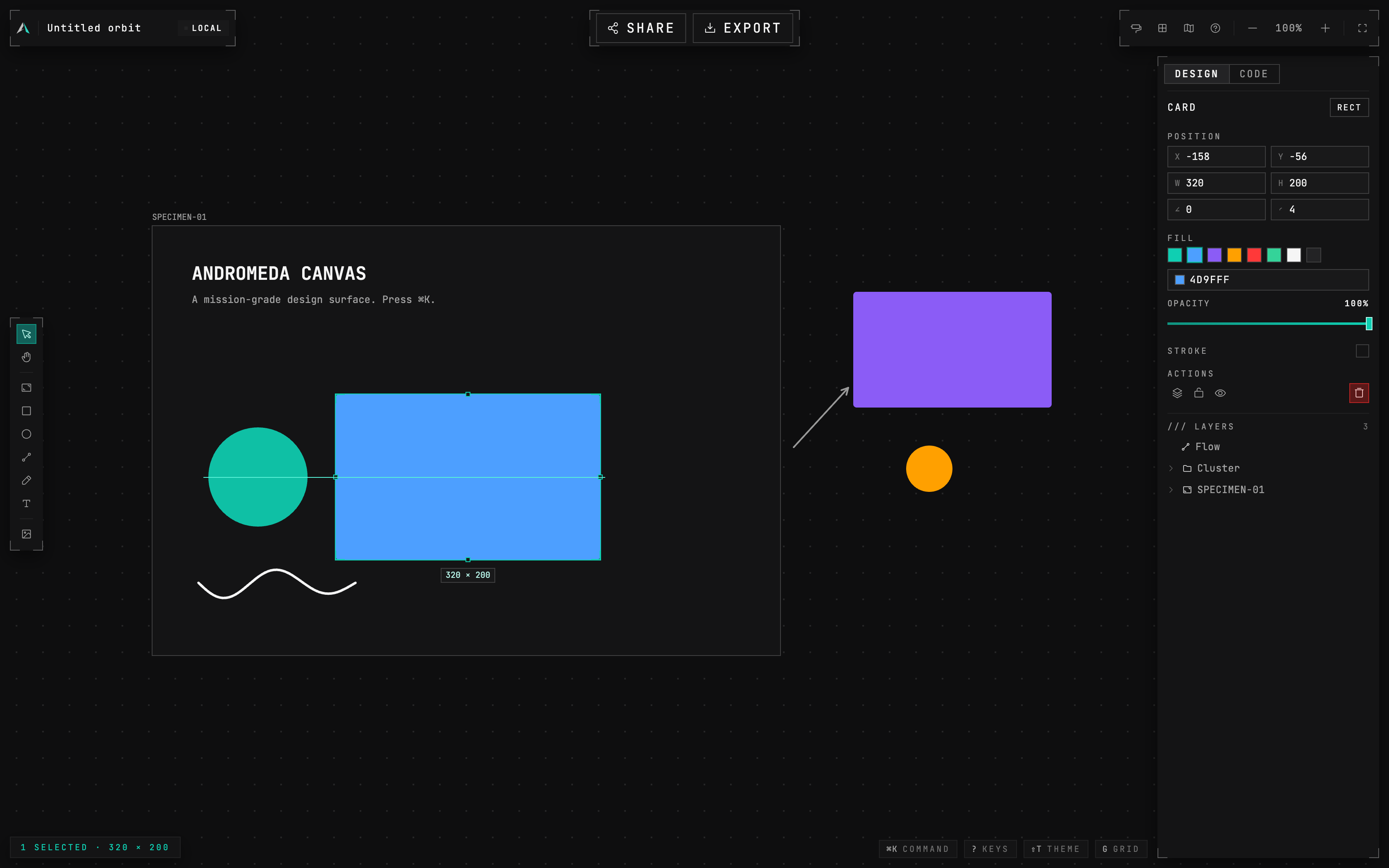
Precision is the default, not a mode
Smart guides with live distances, snapping that understands a frame's padding box and centre line, and an ALT ruler that knows the difference between two questions: how far apart are these, and how is this seated inside that.
It cannot draw outside the system
Most tools bolt a chat box onto a canvas and hope. Studio's assistant has no privilege your hands do not have — and one obligation they do not: it has to pass the verifier before it can touch anything.
It writes commands, not pixels
Every action is a typed operation over the same document API your cursor drives. Auditable, replayable, and a whole turn collapses into a single undo step.
You see it think
The reasoning streams as it works, each step timestamped: what it read, what it asked, what it planned, what the verifier said.
A gate stands in front of the document
The linter runs on the proposed result before anything is applied, and refuses any batch that would introduce an error. Not a warning afterwards — a condition beforehand.
It looks at what it built
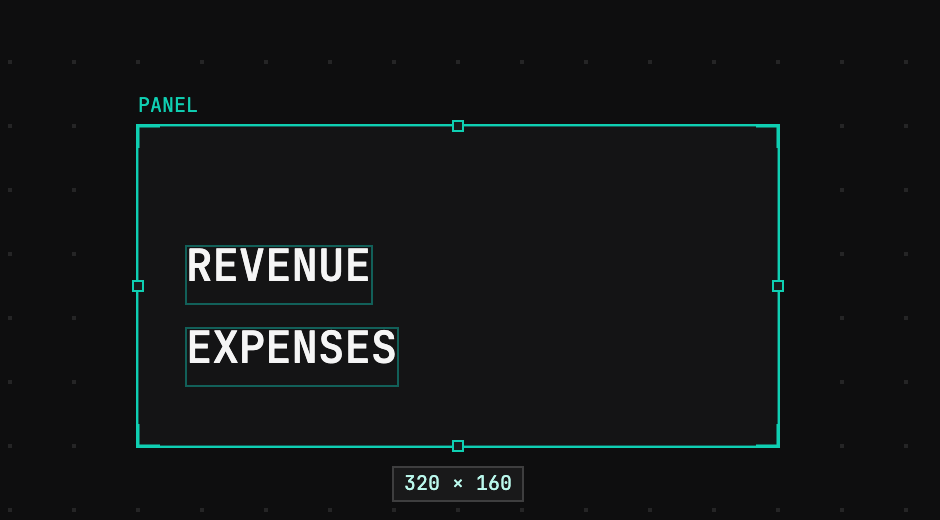
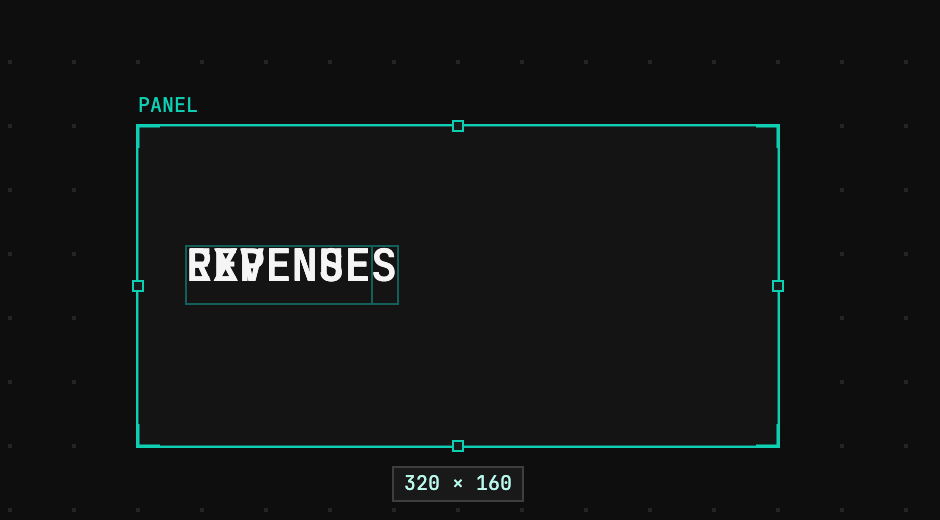
The proposal is rendered and shown back to the model, so it catches what an outline cannot: two labels at identical coordinates, valid tokens, on-scale sizes, and colliding.
Refusing costs nothing
Proposals are kept either way. Decline one and it stays in the history, still previewable, still adoptable later, still something you can branch from.
This is 0.0.2. Here is the state of it.
It is powerful and it is not yet robust
The capabilities above are real and tested. The hours behind them are not the hours a production tool has. Treat it as a serious instrument that has not yet been dropped enough times.
Your work lives on your machine
No account, no cloud, no sync. Nothing is uploaded. That also means nothing is backed up for you, so export anything you would be sorry to lose.
The assistant needs your own API key
Bring an OpenAI key and the assistant works; the key is stored by your operating system, never by us. Everything else — canvas, vector, components, prototyping, data, export — works with no key at all.
It updates often, and formats can move
Releases ship when they are ready rather than on a schedule, and severe fixes jump the queue. Documents migrate forward where we can migrate them.
macOS will say it cannot verify us
There is no Apple Developer certificate yet, so the first launch needs an explicit Open Anyway. The download page walks through it. If it says damaged rather than unverified, that is a broken file — tell us.
Patina Studio 0.0.2
Free while it is in beta. No account, and nothing to sign up for. The assistant needs your own OpenAI key; everything else works without one.
macOS
Universal — Apple silicon · Intel · .dmg
Windows
x64 · .exe
Linux
AppImage · deb · .AppImage
First launch: macOS needs a one-time Open Anyway (the beta is not yet notarised by Apple); Windows asks once via SmartScreen — More info, then Run anyway. Every release carries checksums, and the app updates itself from here on.